How to add blog post to website - HQ22 Creatives
Jan 30, 2026●
1
Need to see it instead? Watch the walkthrough video here. https://caps.hq22creatives.net/s/mrfcrphzqrpgec3
2
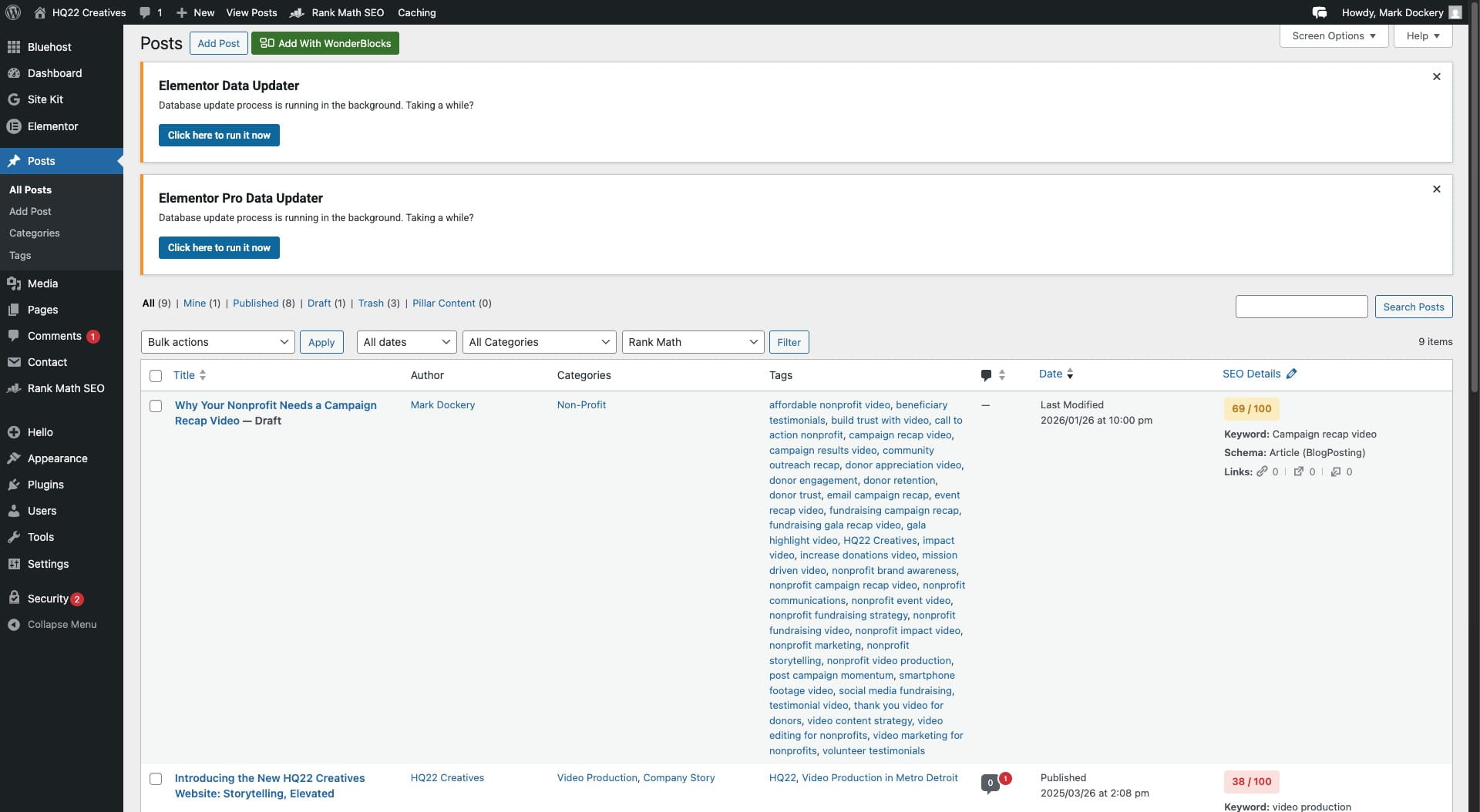
Navigate to https://hq22creatives.com/admin
3
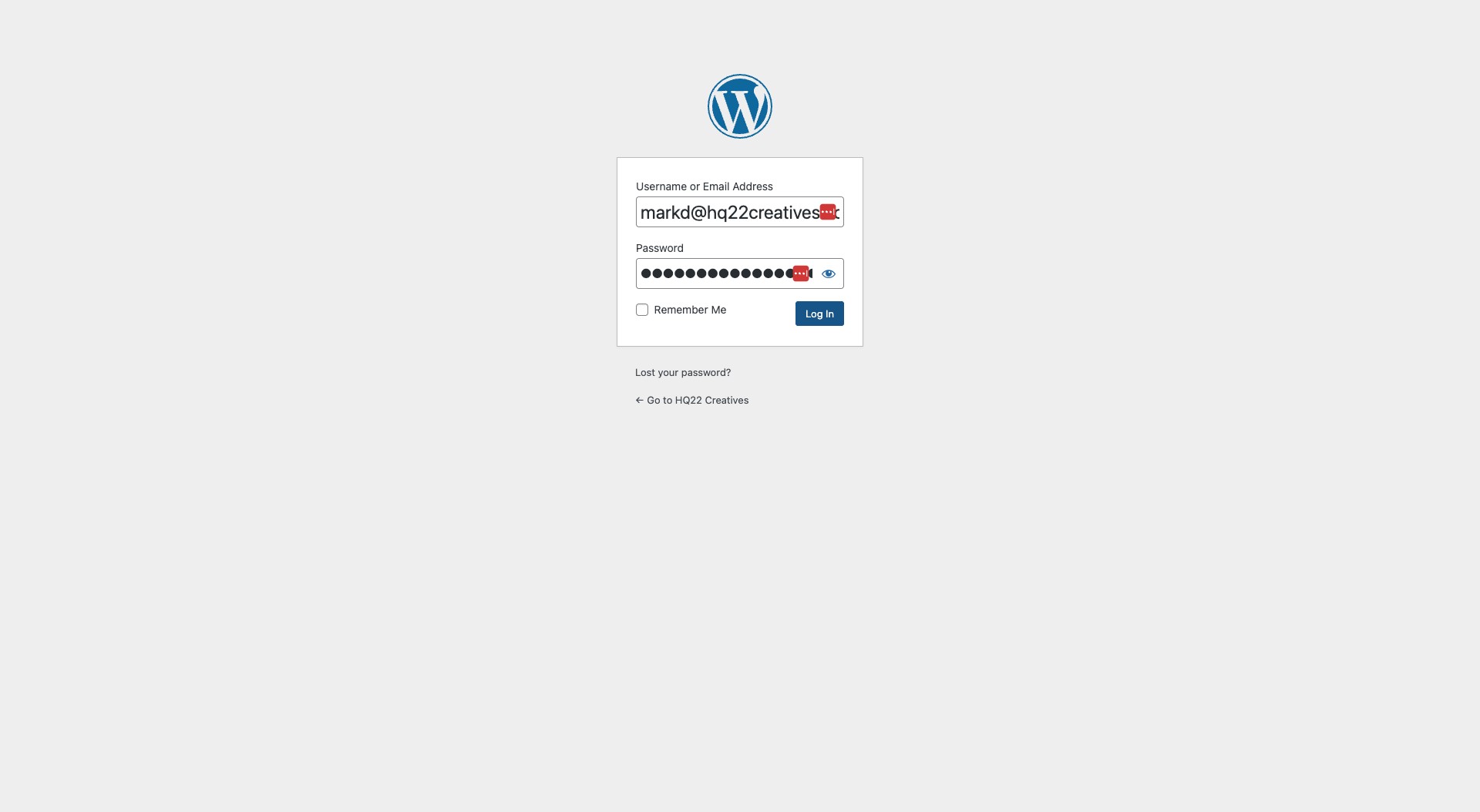
Click Log In
4
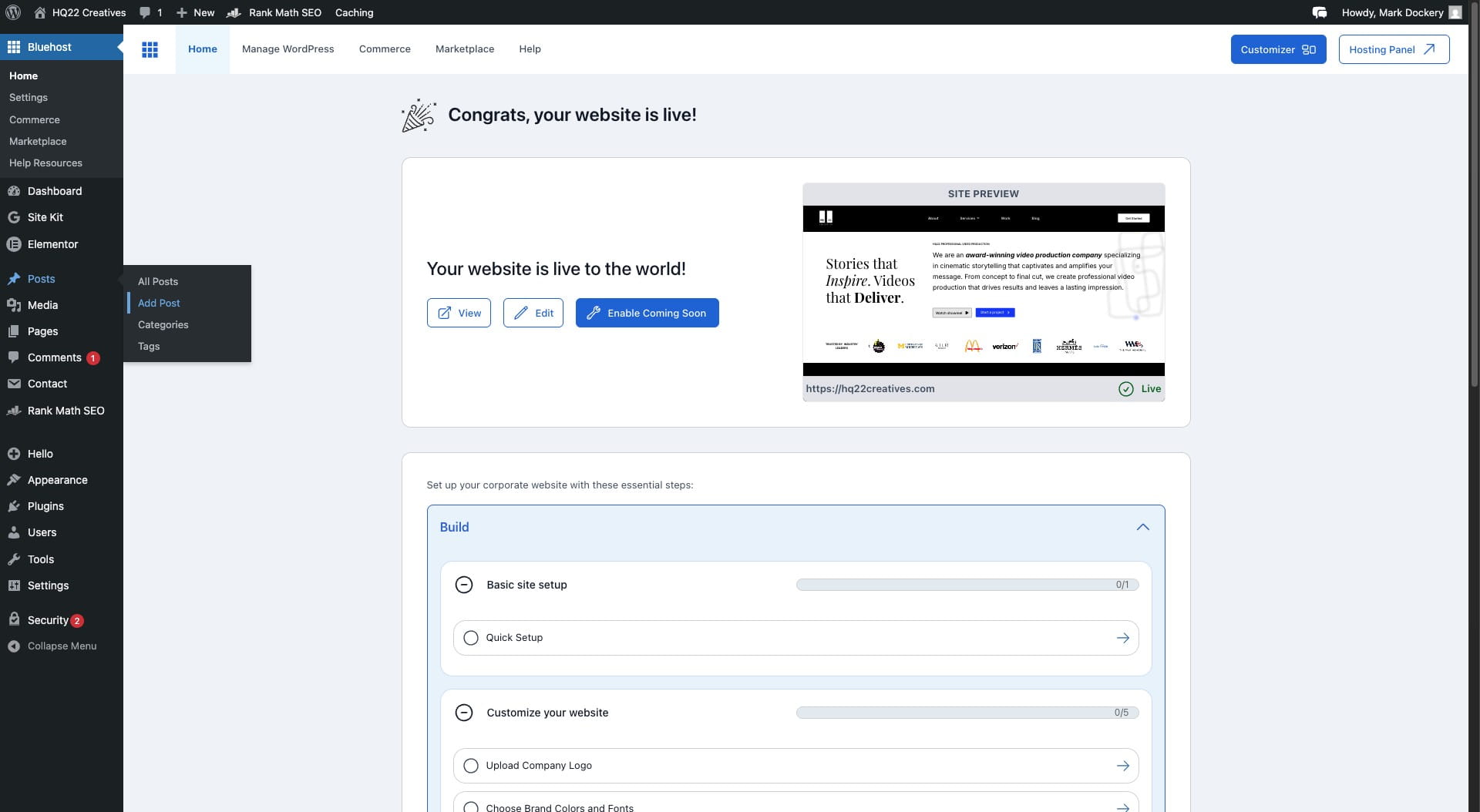
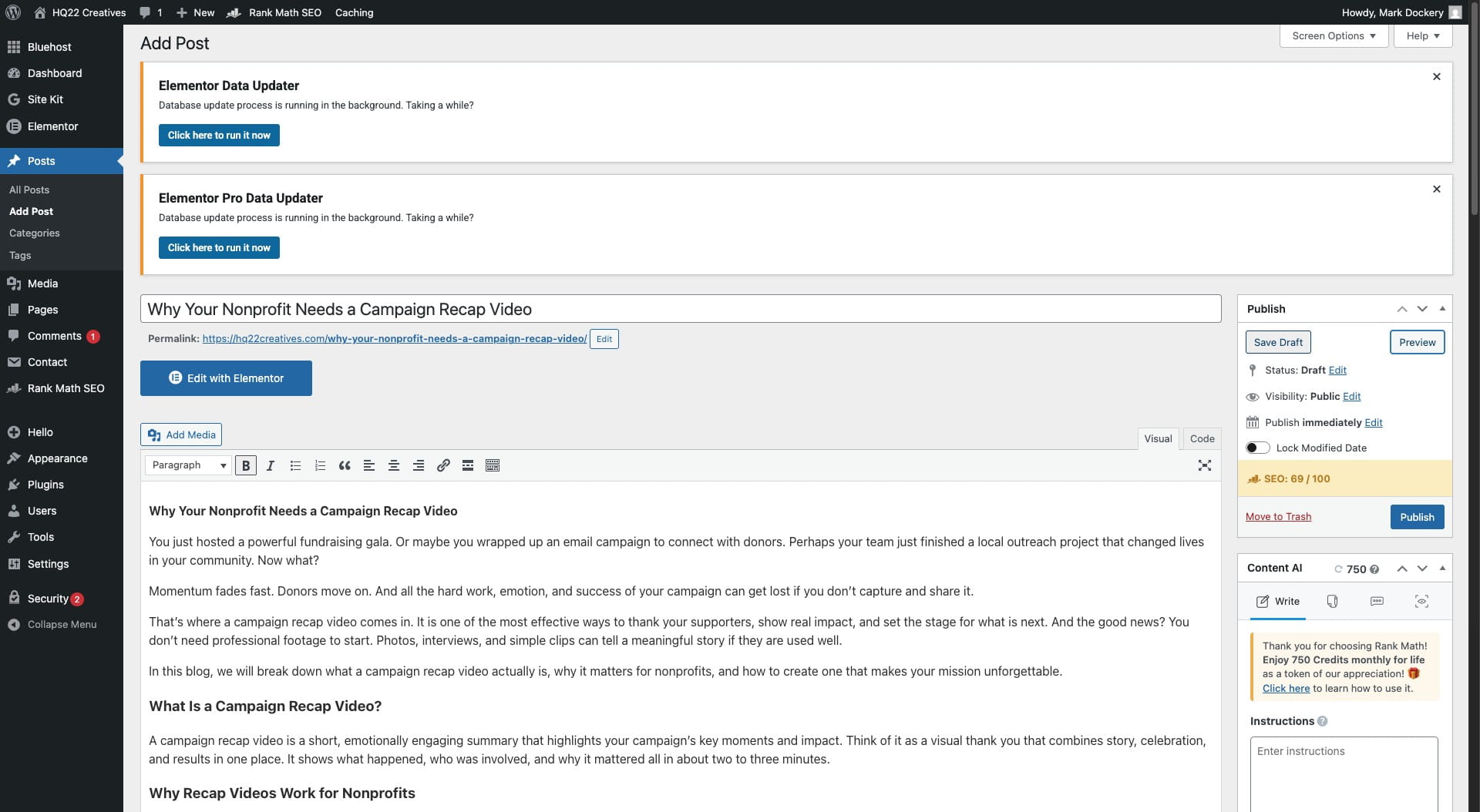
Click on "Add Post"
5
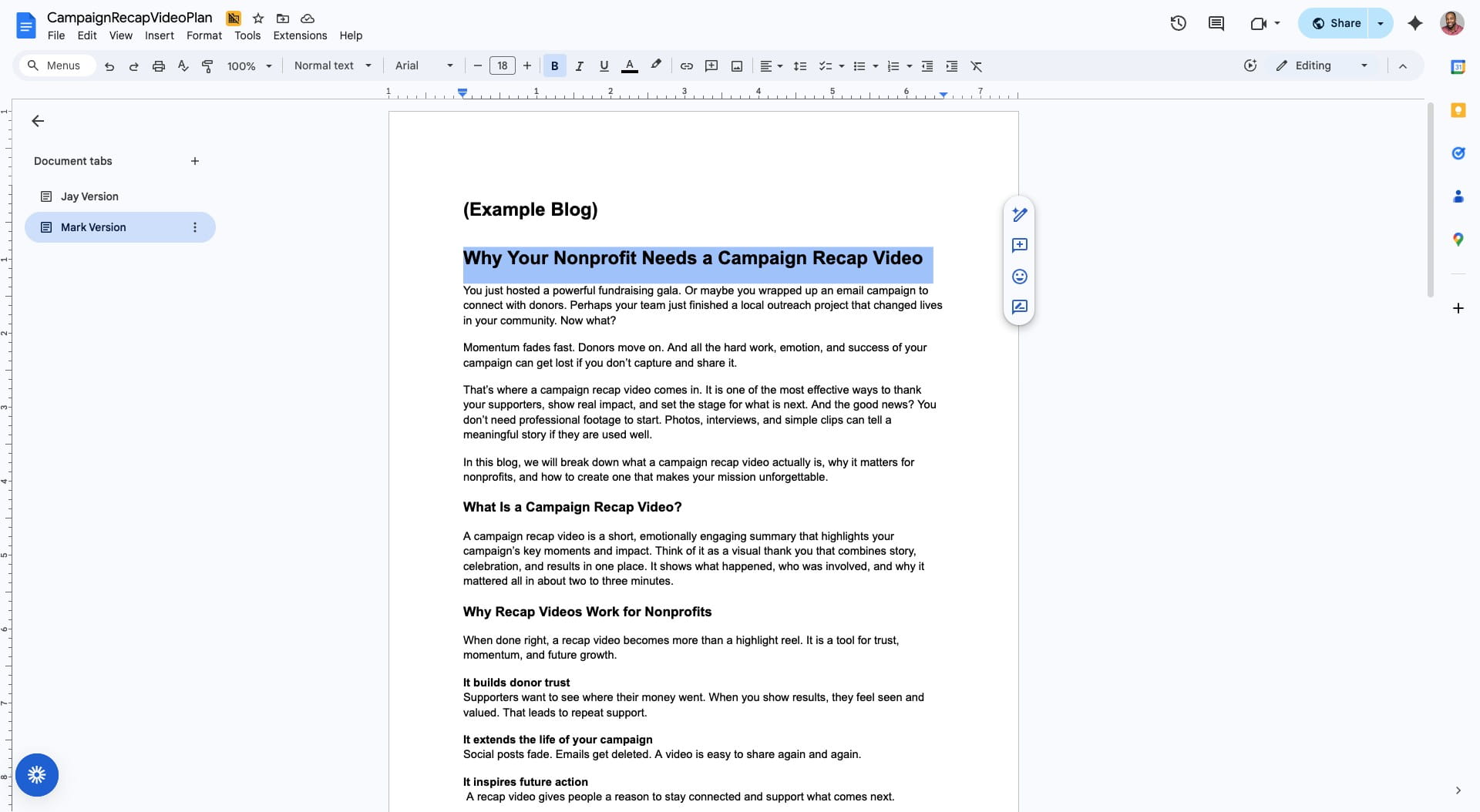
Copy the title of the blog post
6
Paste title
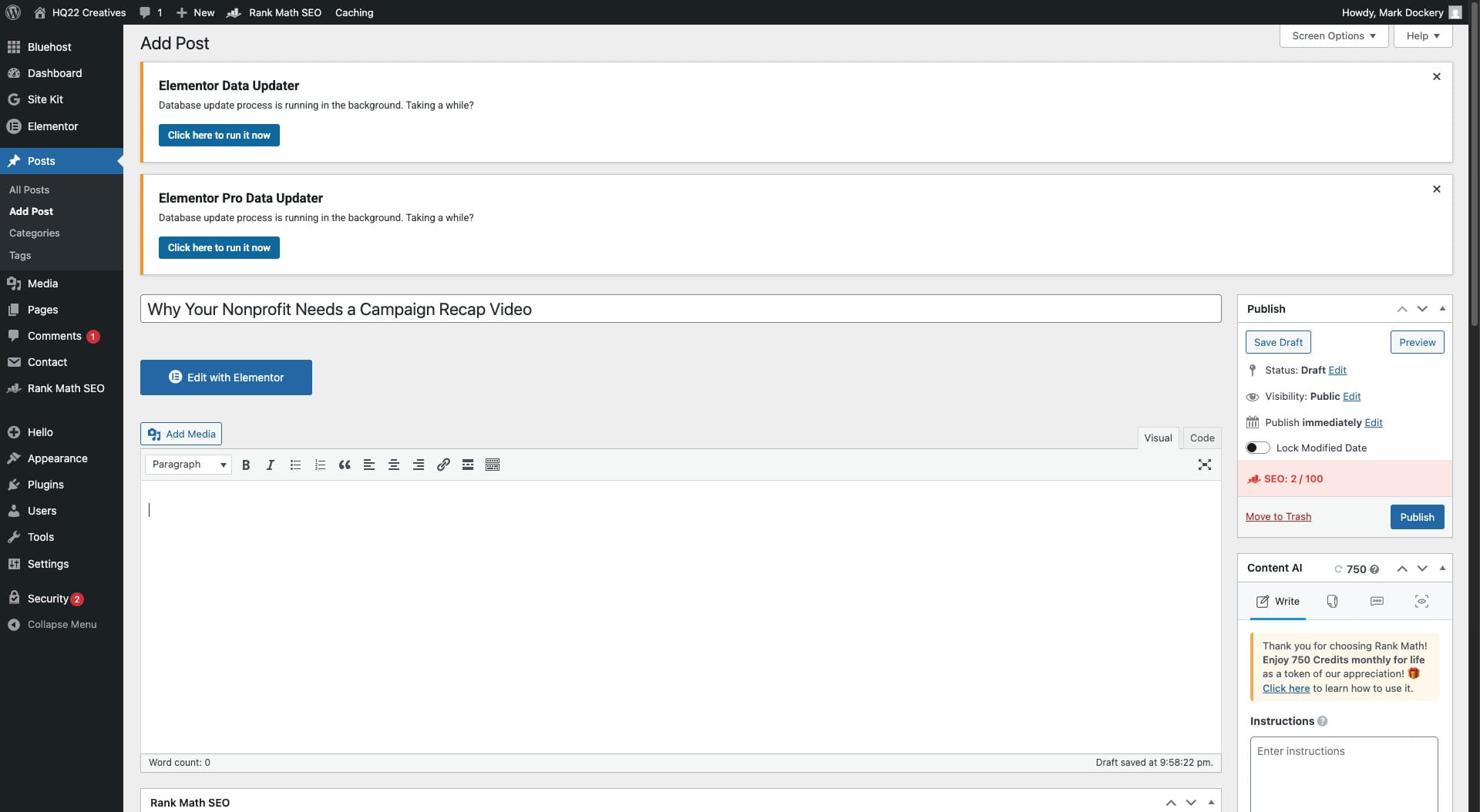
7
Copy and Paste Blog into this section
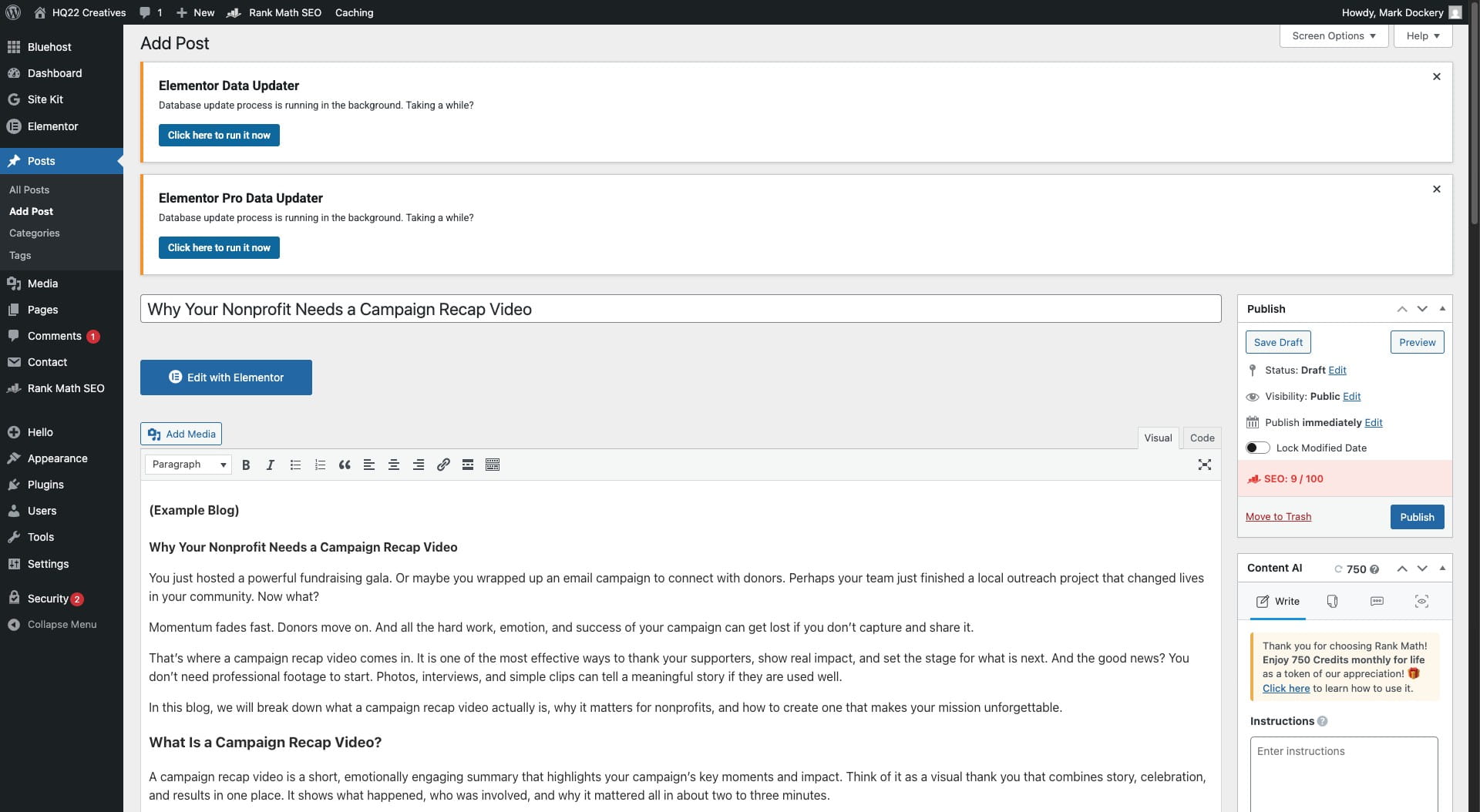
8
Click the appriopiate category
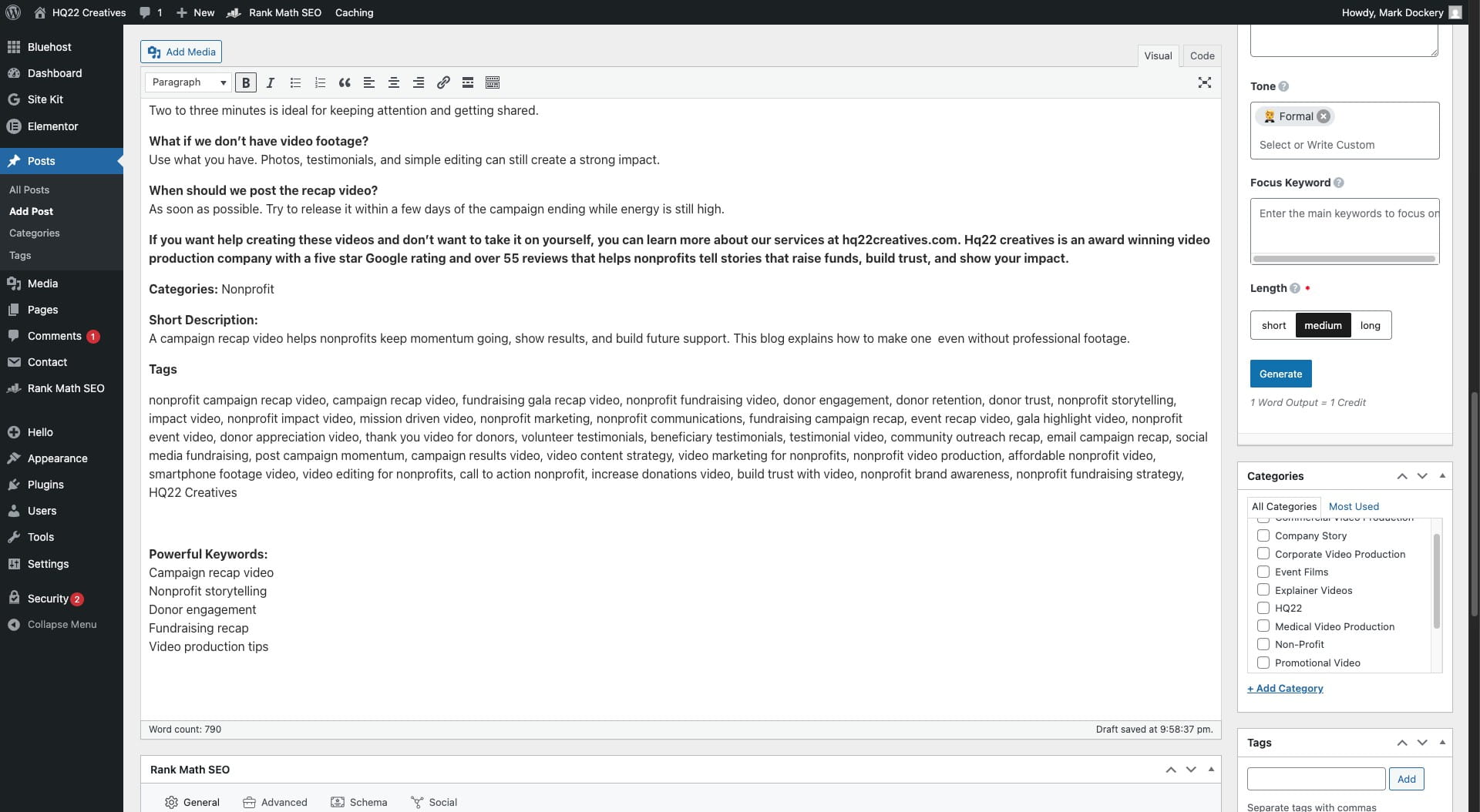
9
erase "Categories:" from blog post
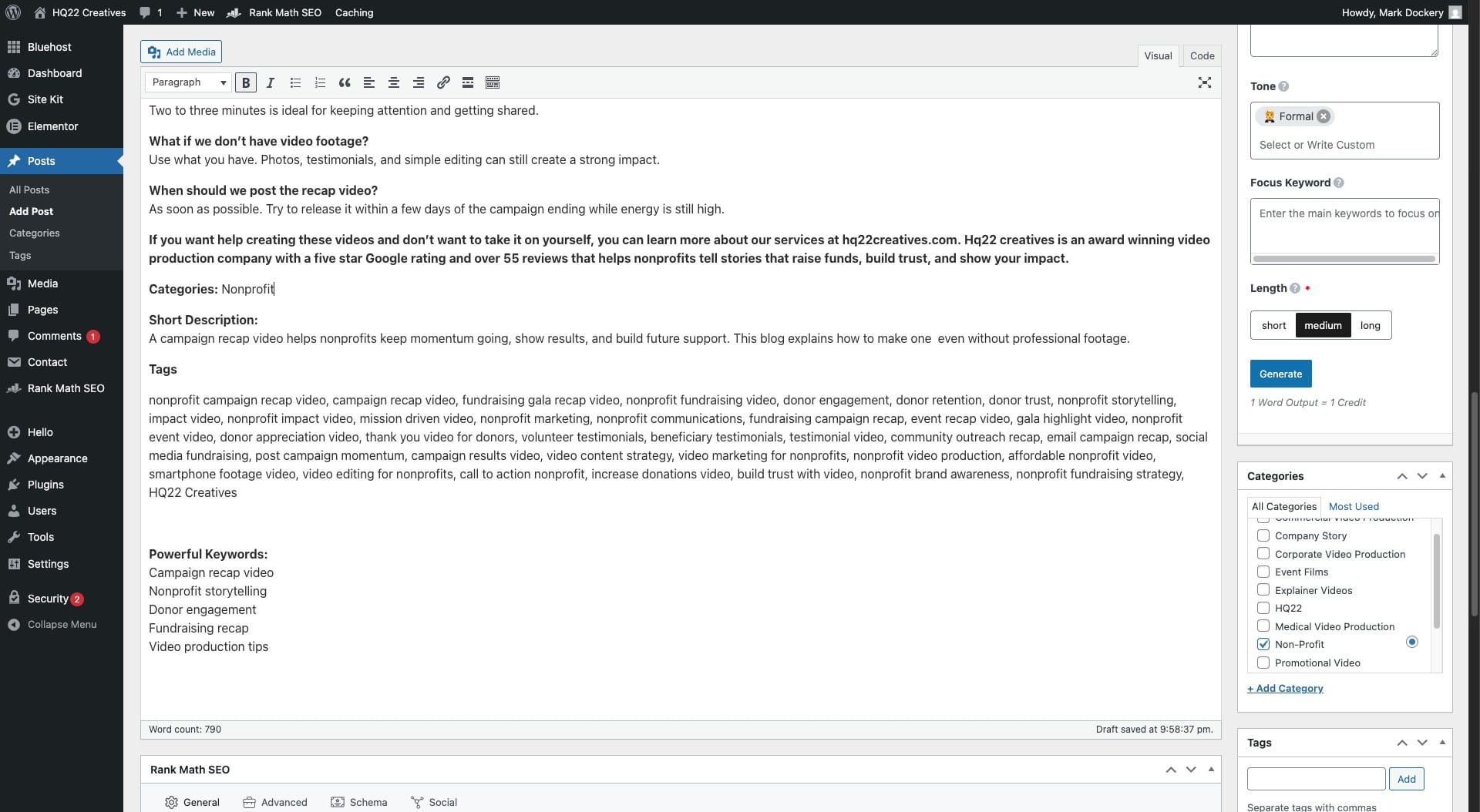
10
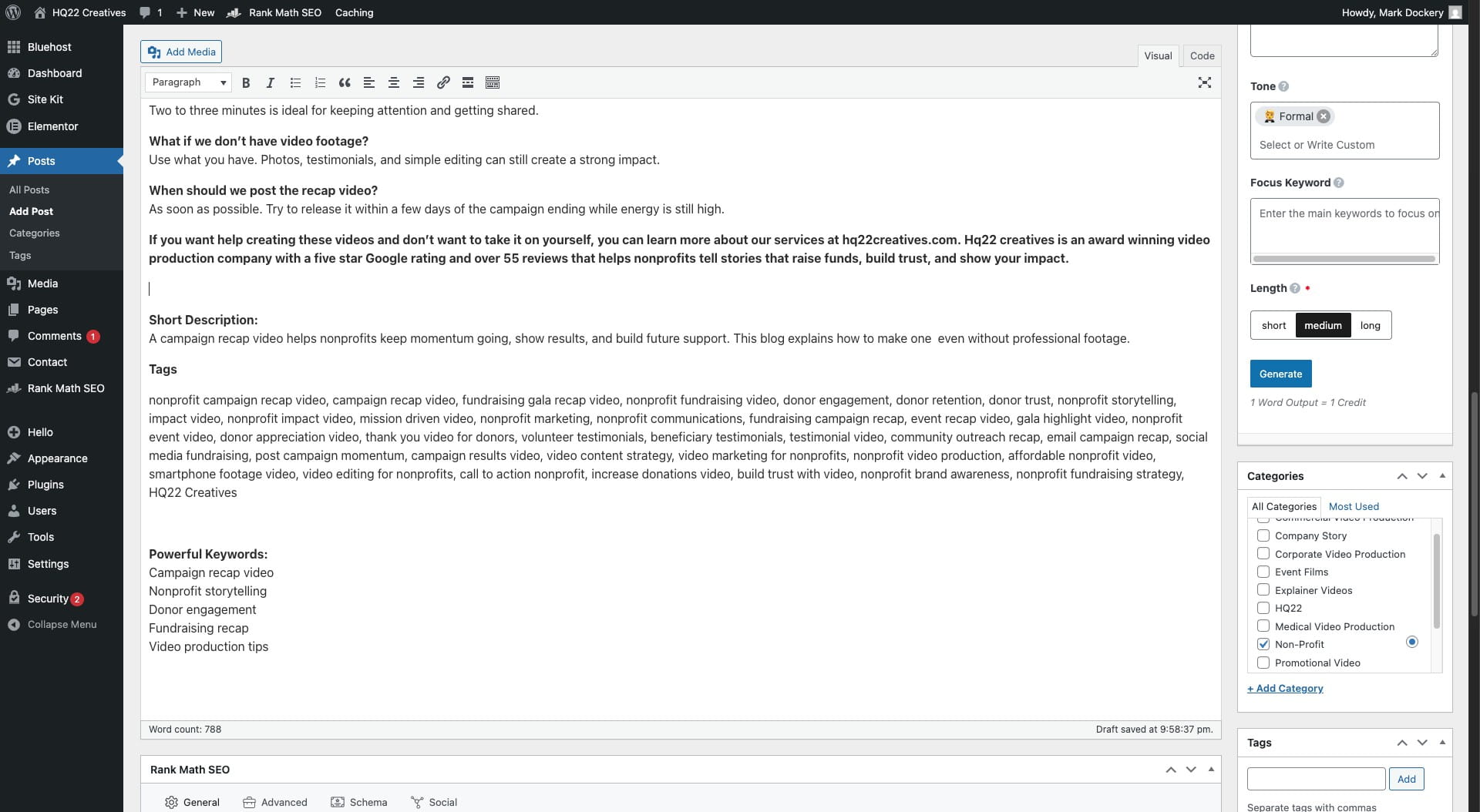
erase "Short Description:" from blog post
11
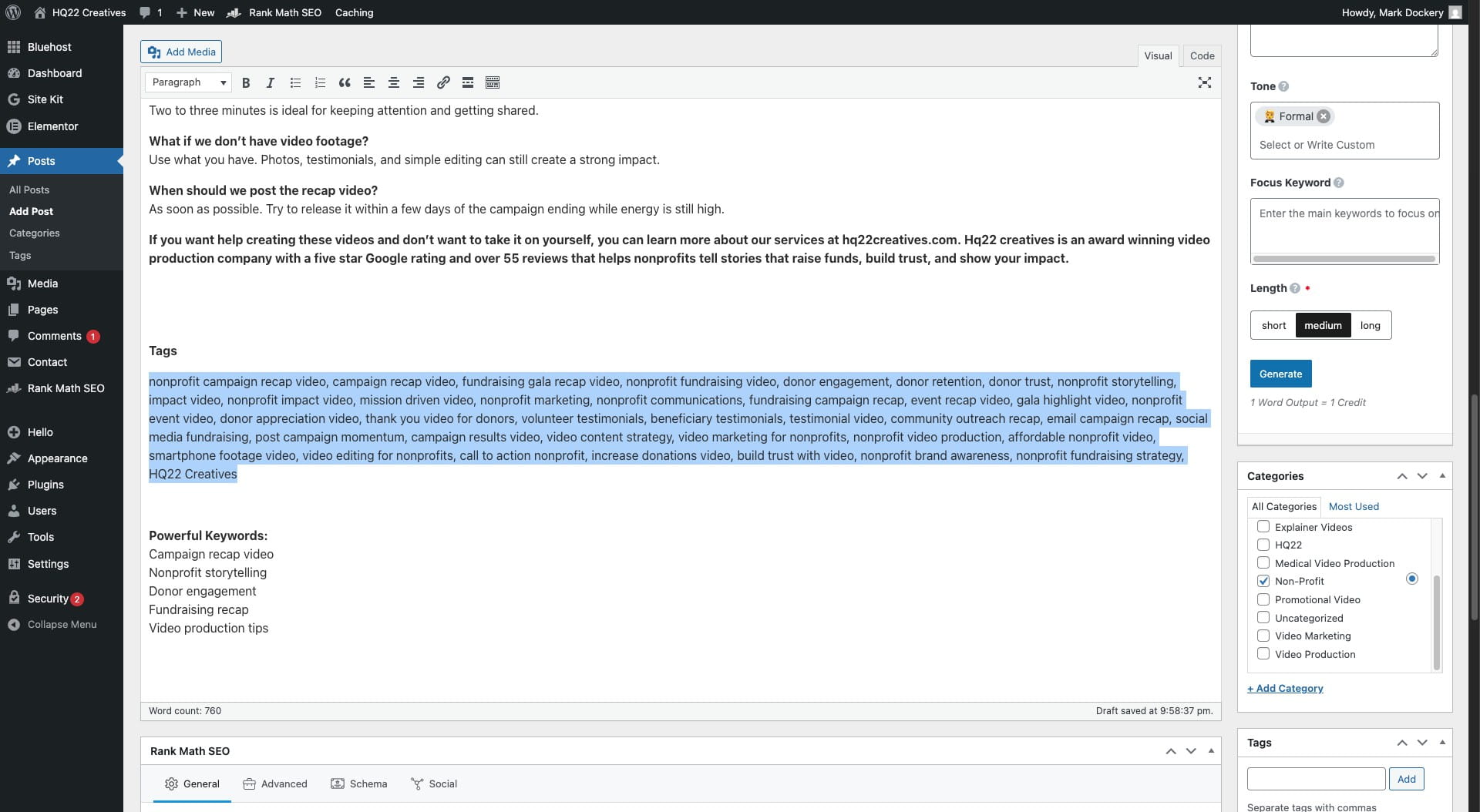
copy the tags
12
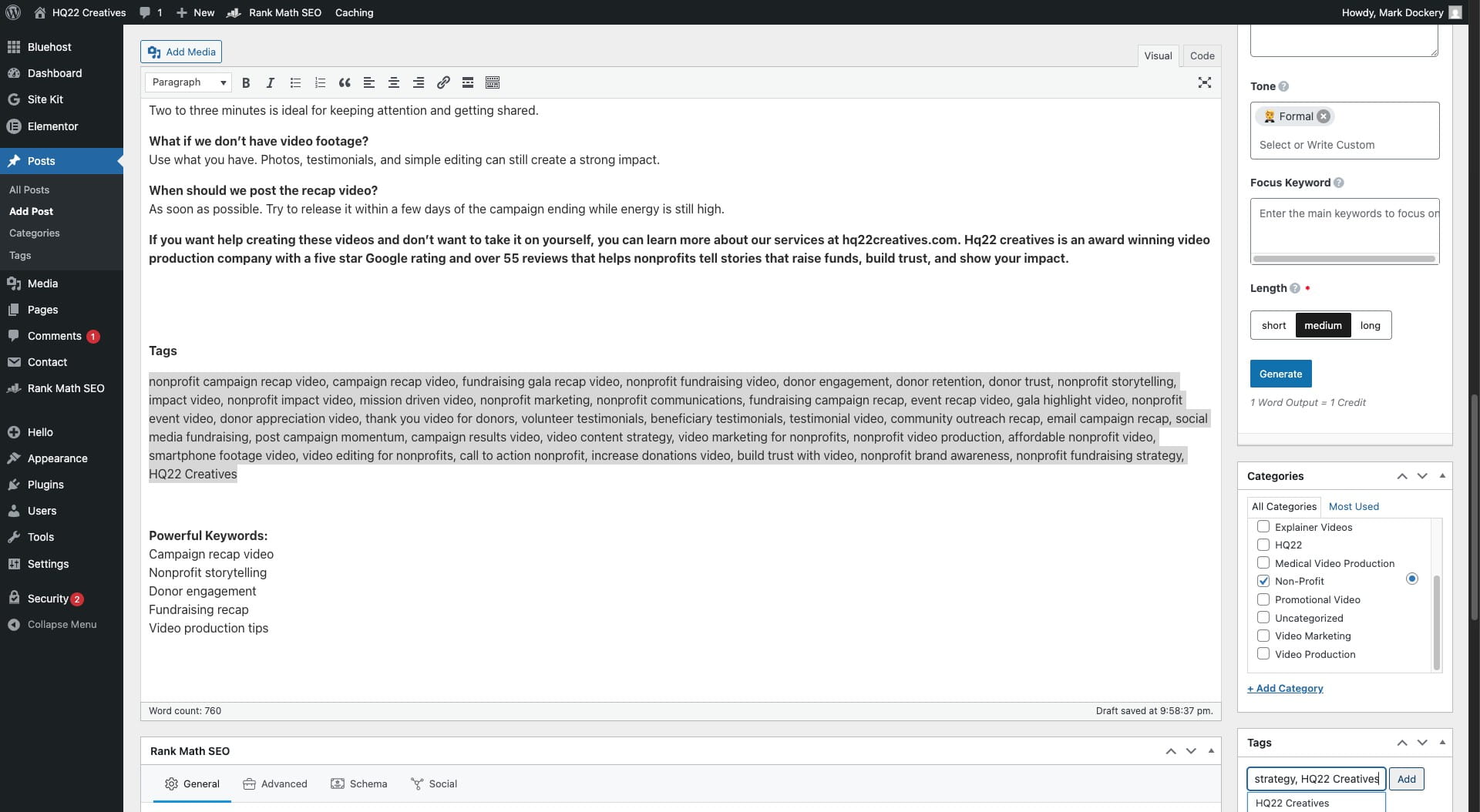
Paste the tags
13
Click the add button
14
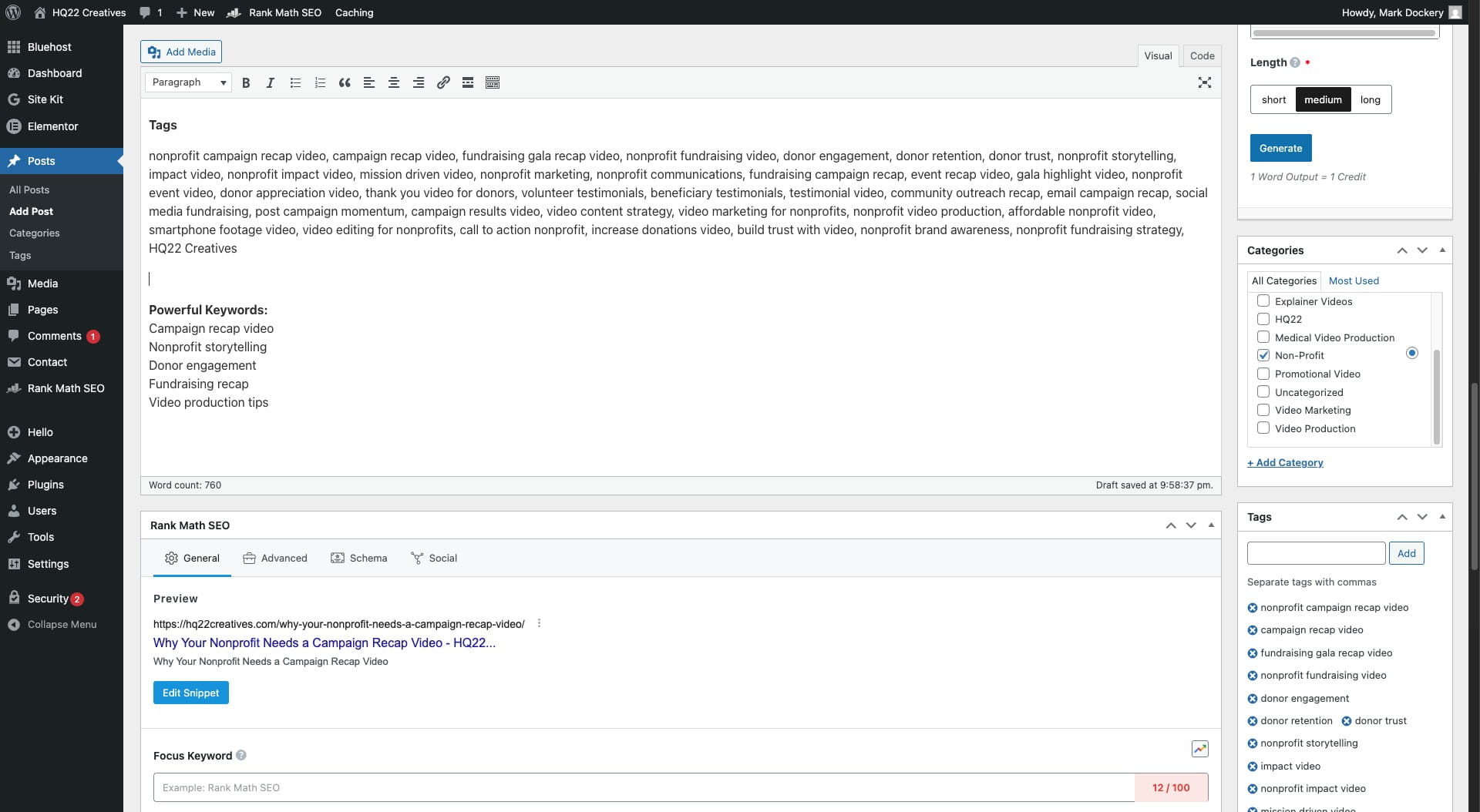
erase the tags from the blog post
15
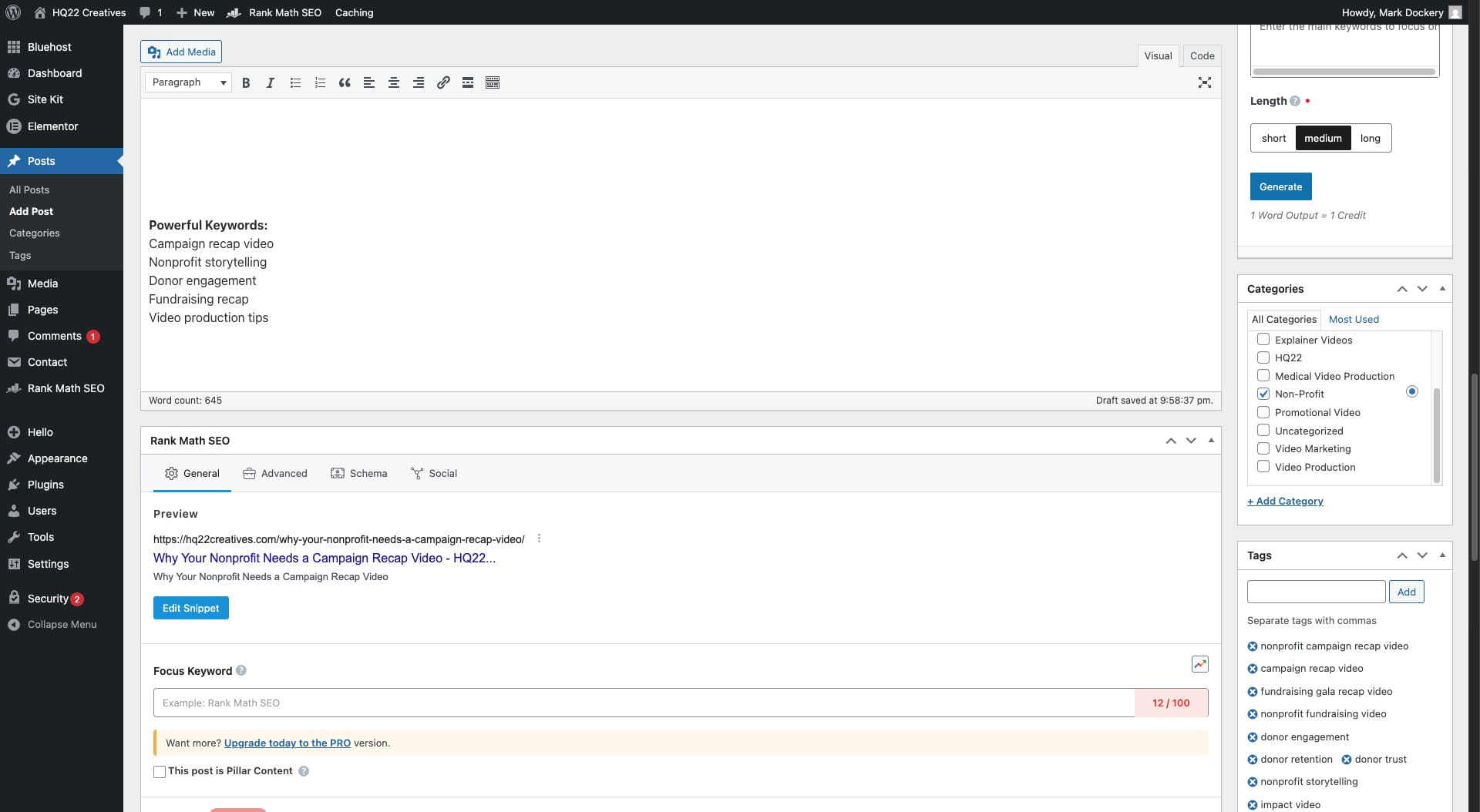
copy each key word induvually
16
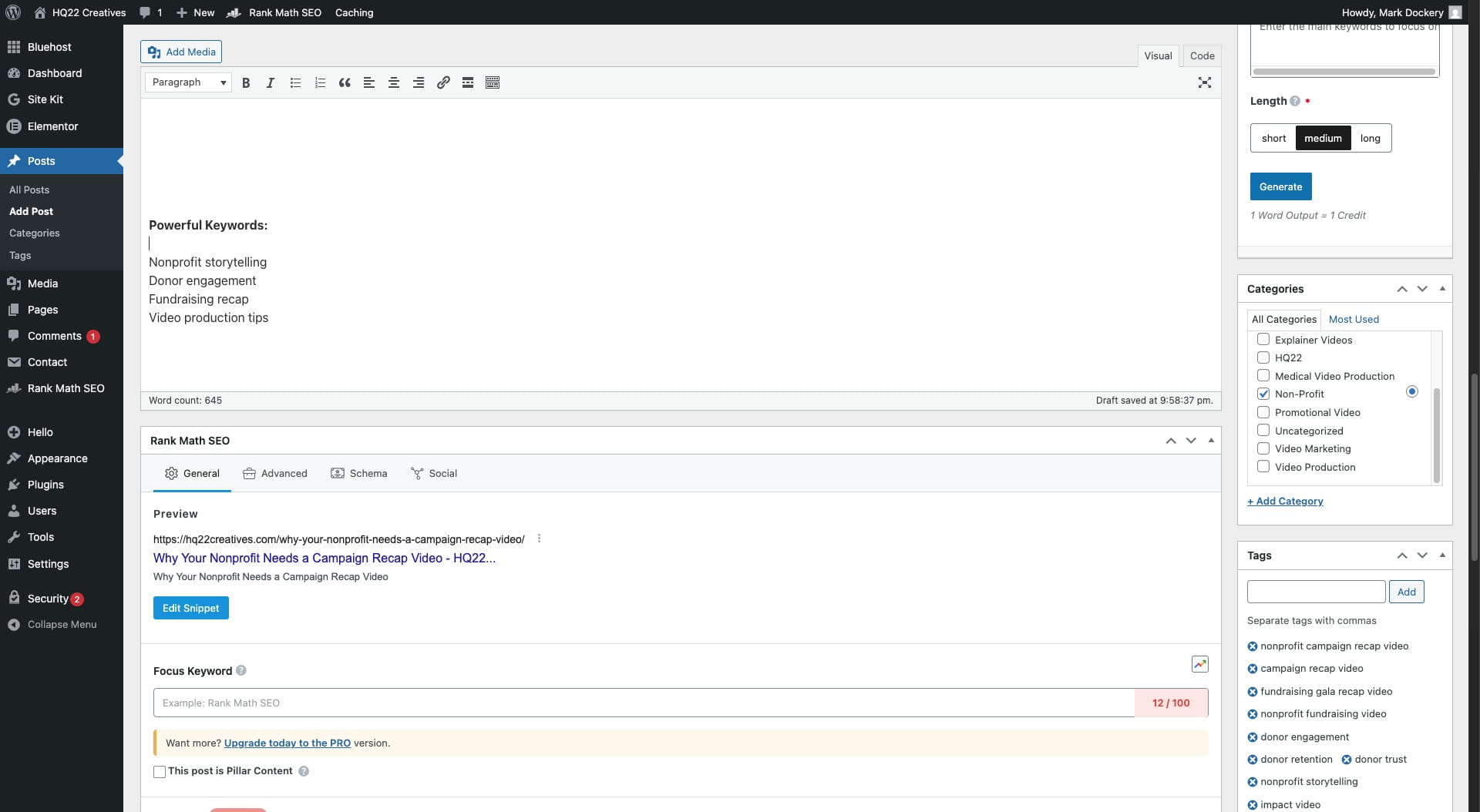
Paste them into the Focus Keyword section
17
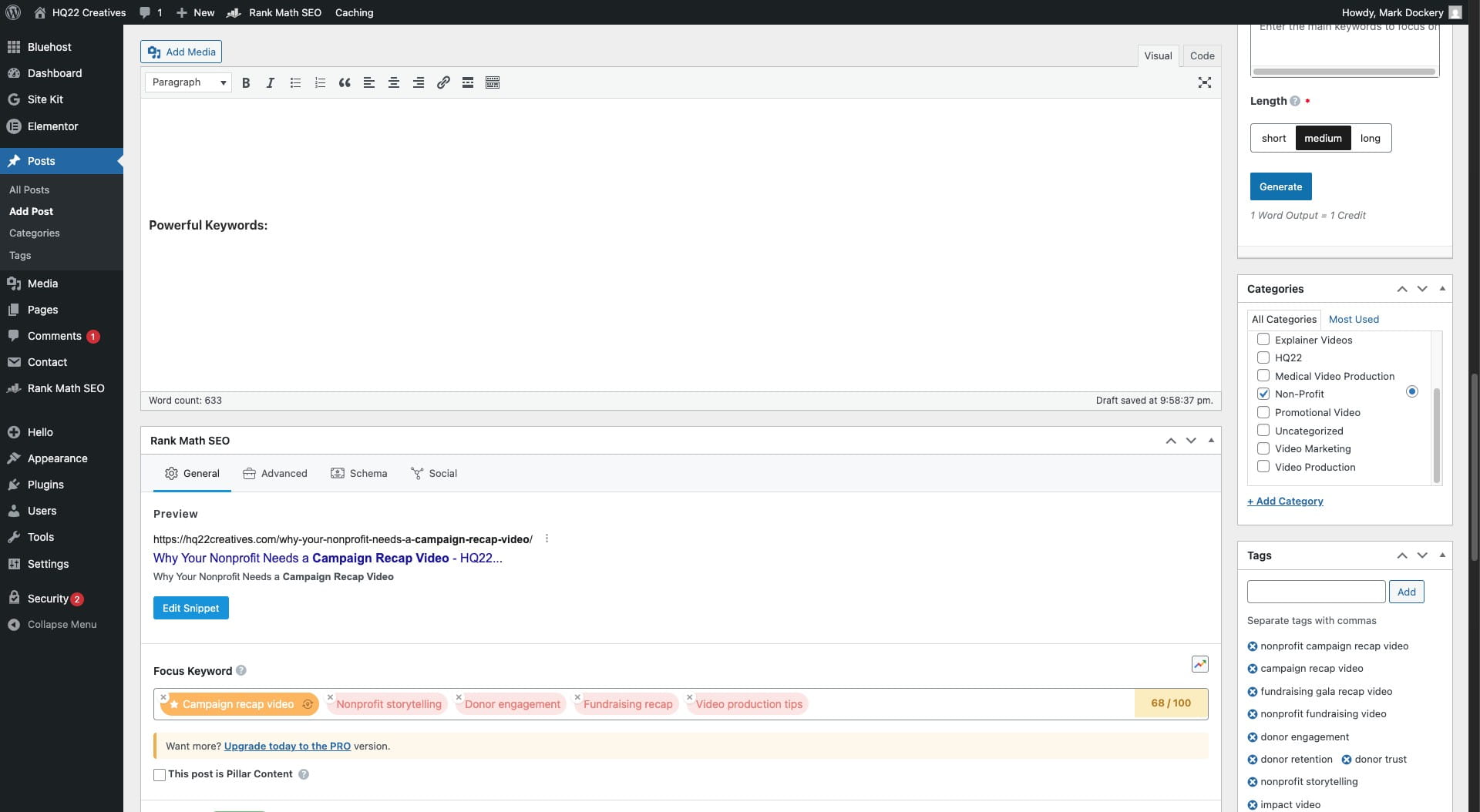
erase"Powerful Keywords:" from blog once done
18
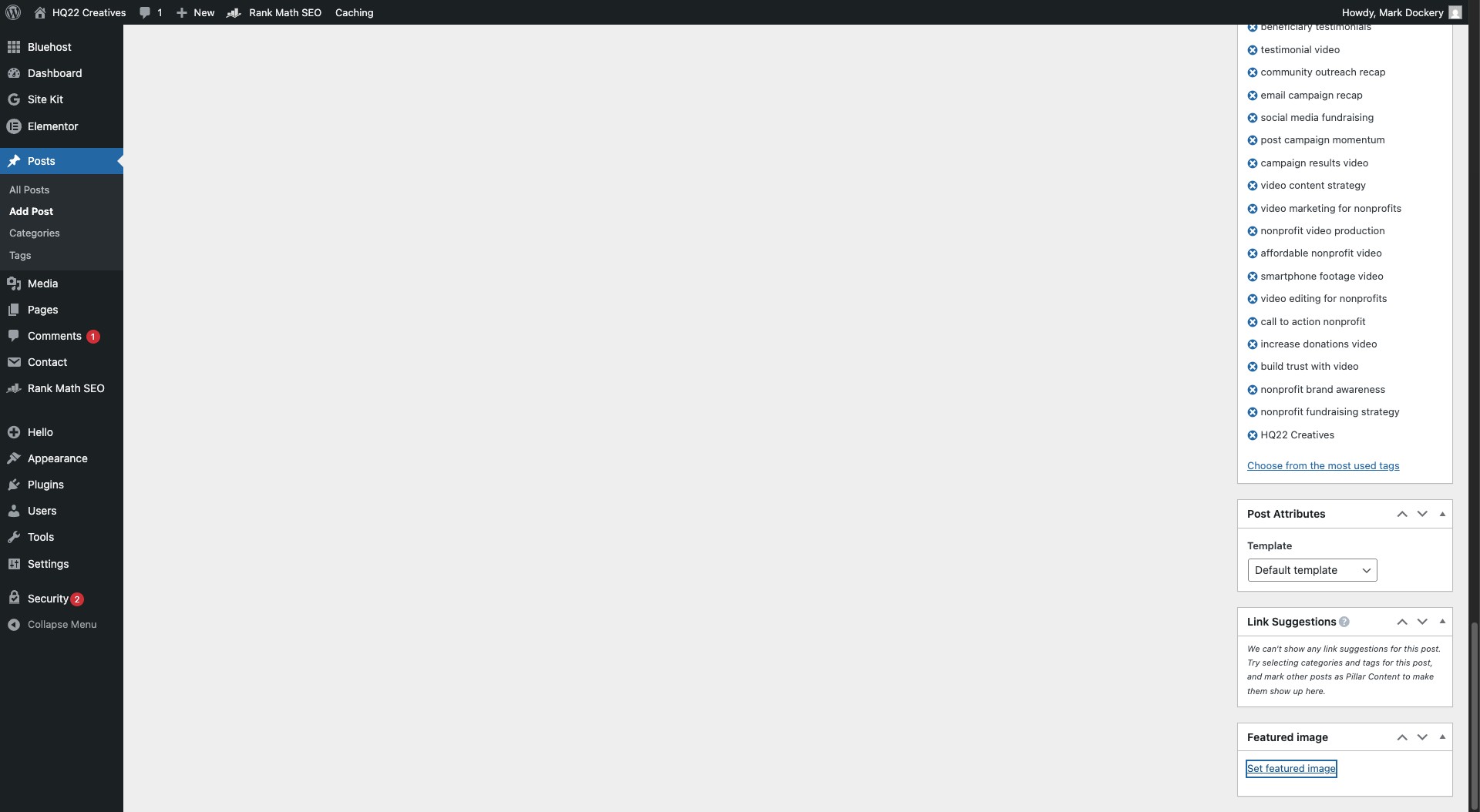
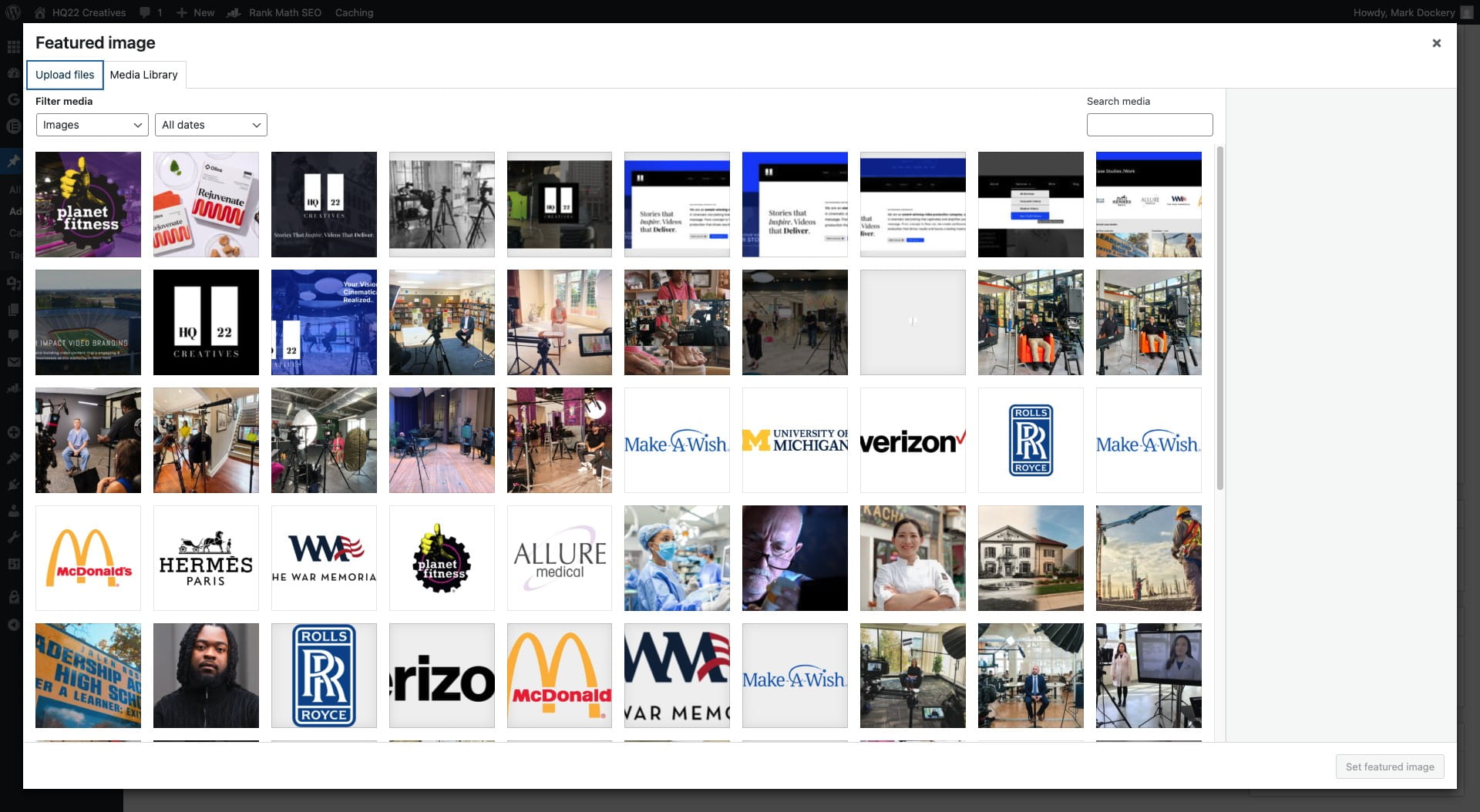
Click on "Set featured image"
19
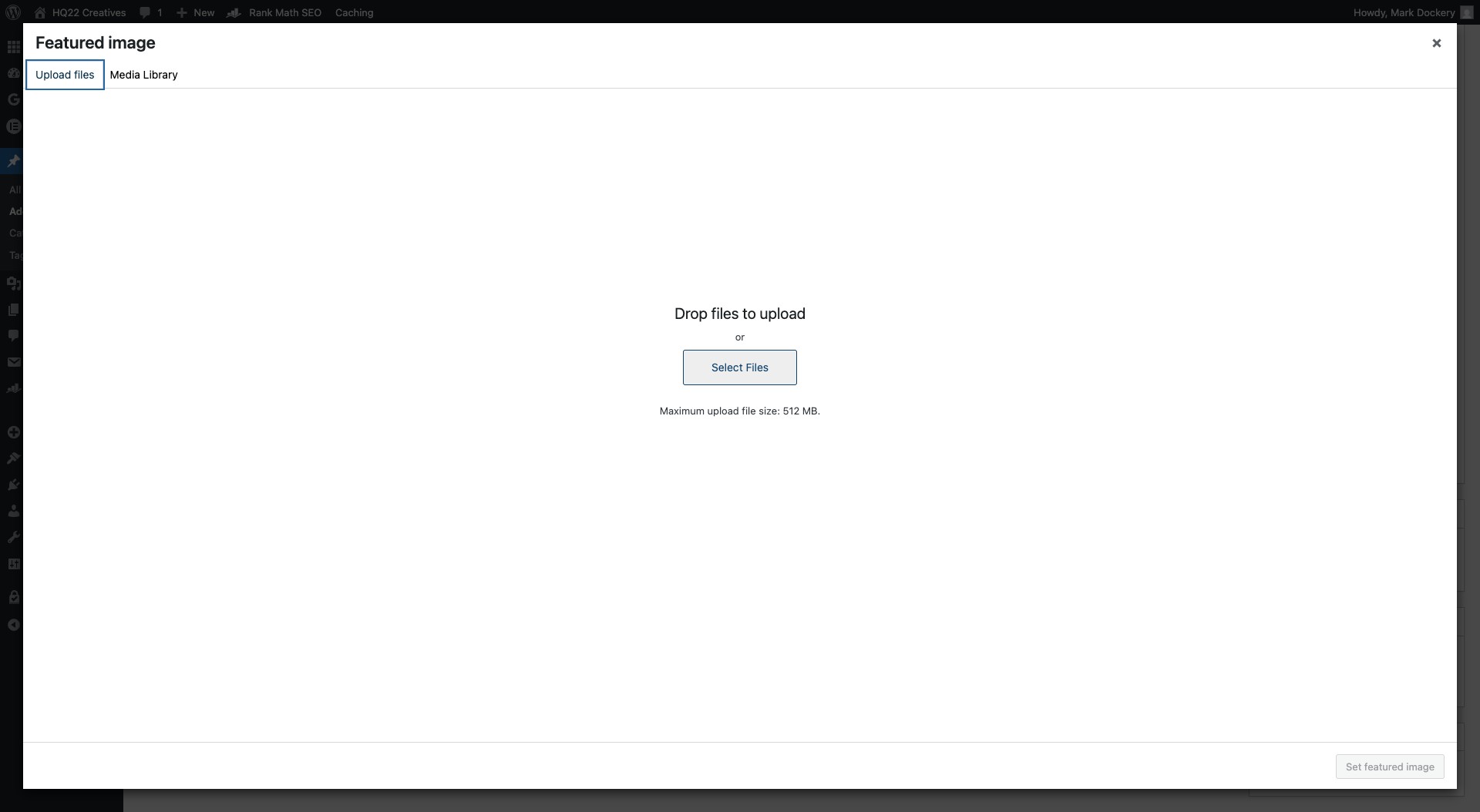
Click on "Upload files"
20
Click on "Select Files"
21
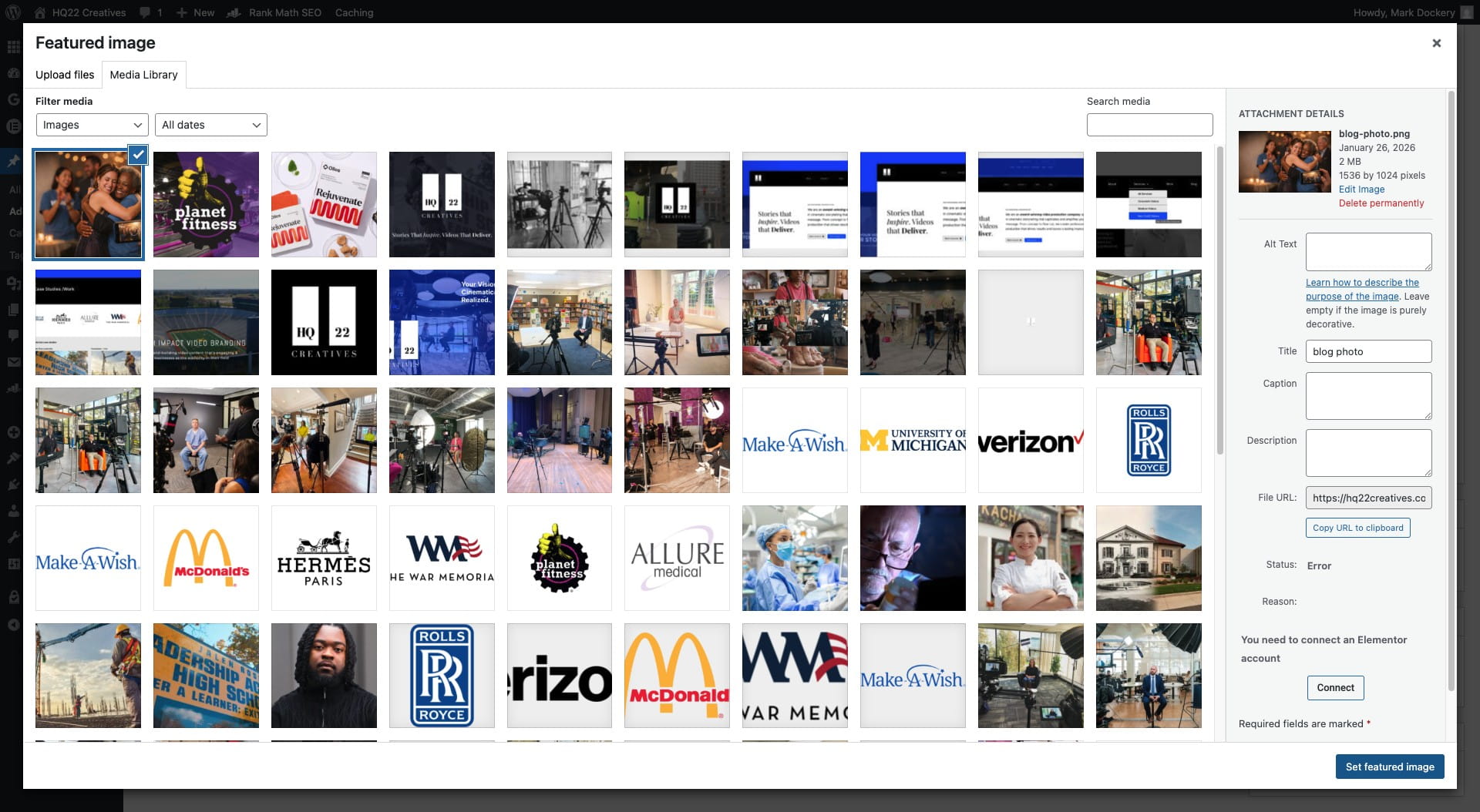
Click on "Set featured image"
22
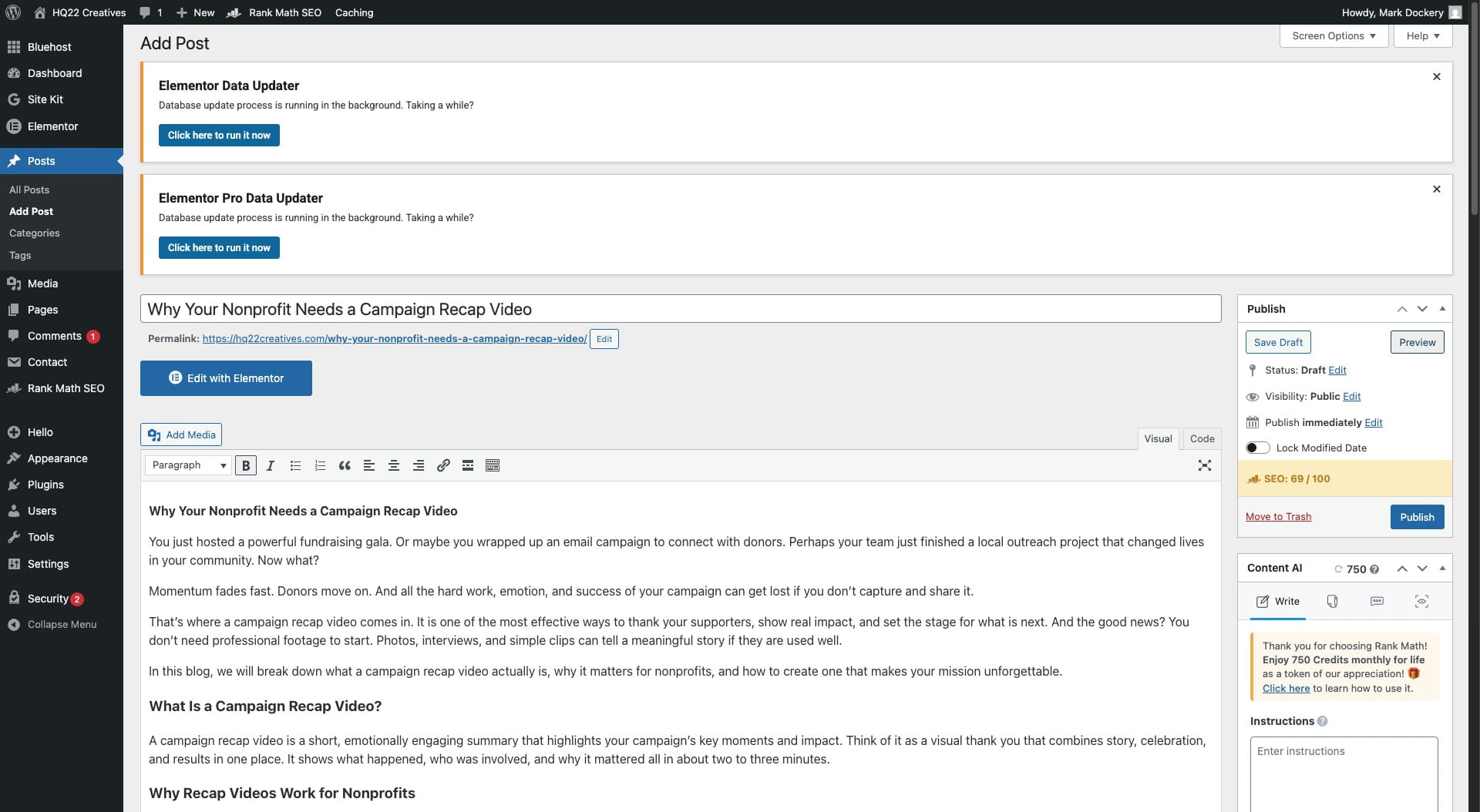
Click on "Preview"
23
Click save draft
24
Done 🚀