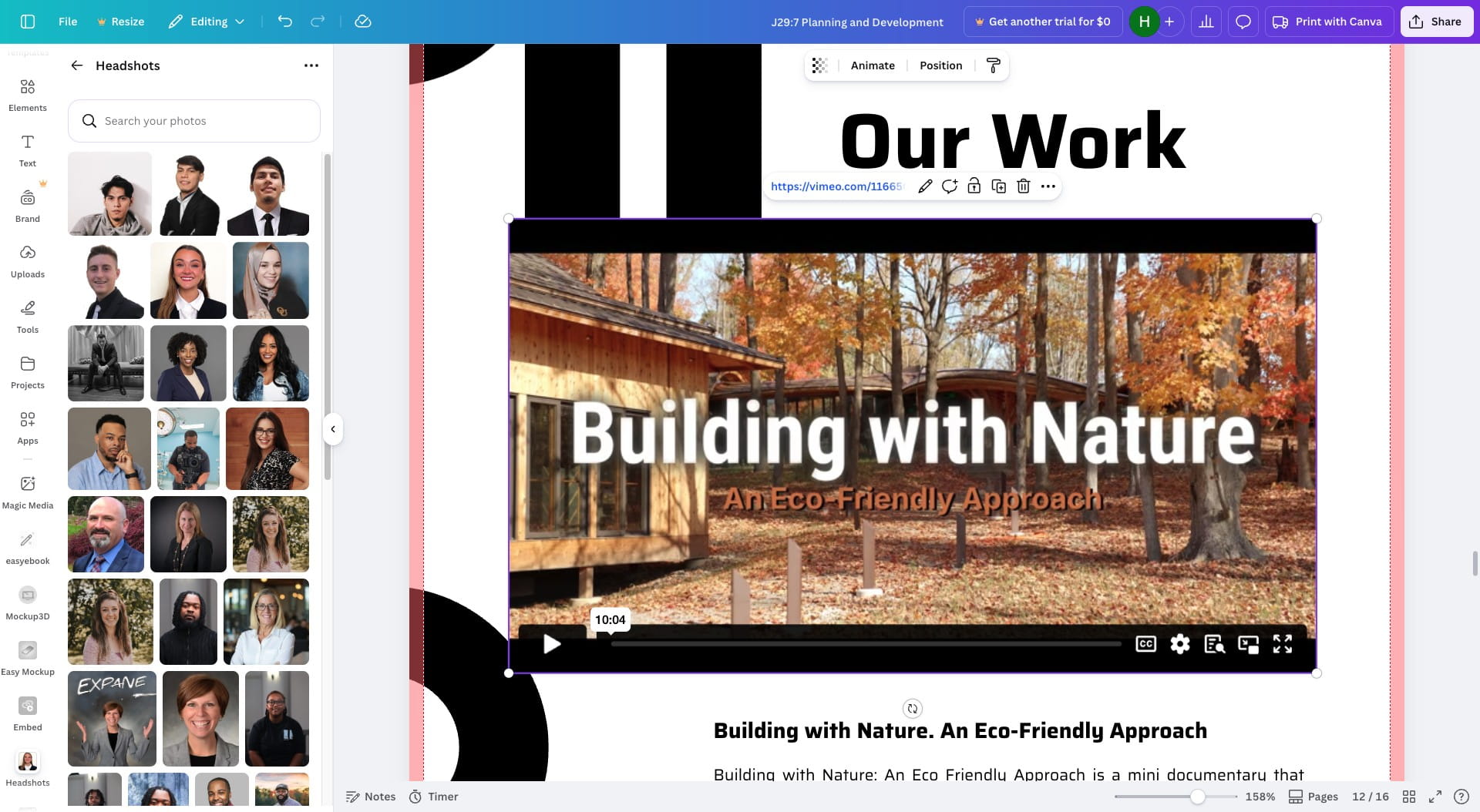
How to add Video to RFP in Canva
Feb 19, 2026●
1
If you want to watch the video Instead click the link below: https://cap.so/s/j52mqt74453q0p6
2
Click on "Copy link"
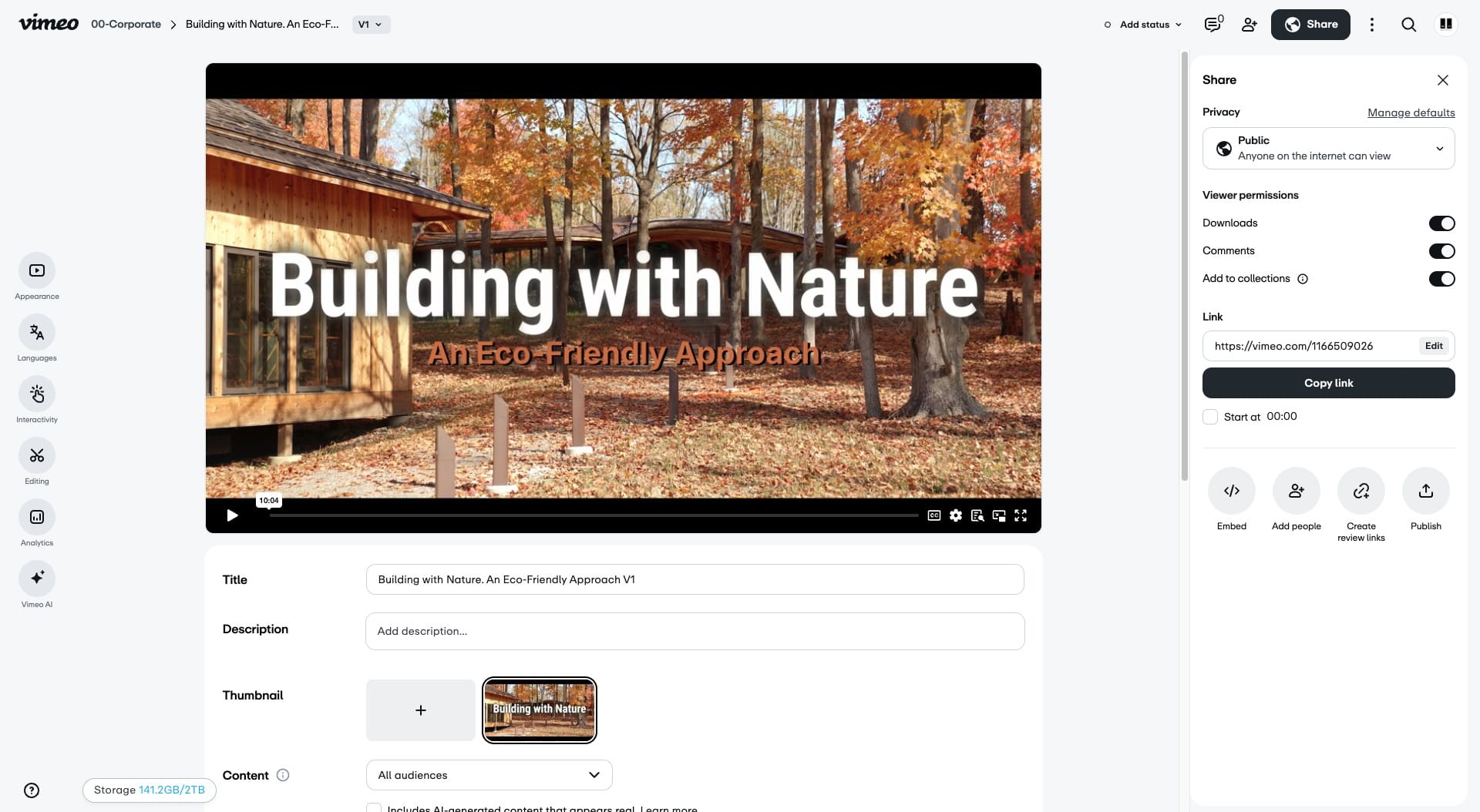
3
Press cmd + v to paste the link
![Press [[[cmd]]] + [[[v]]] to paste the link](https://assets.guidejar.com/uploads/618a4acc-4e49-4f1c-b93c-e4353c35bb3a/xXTuAnGI3eYarkwDKOr55NTaVdc2/a4795a5b-e152-4896-82f5-5b52fd13bf2e/1771543024405.jpeg)
4
Use the place holder image to line up and resize the link
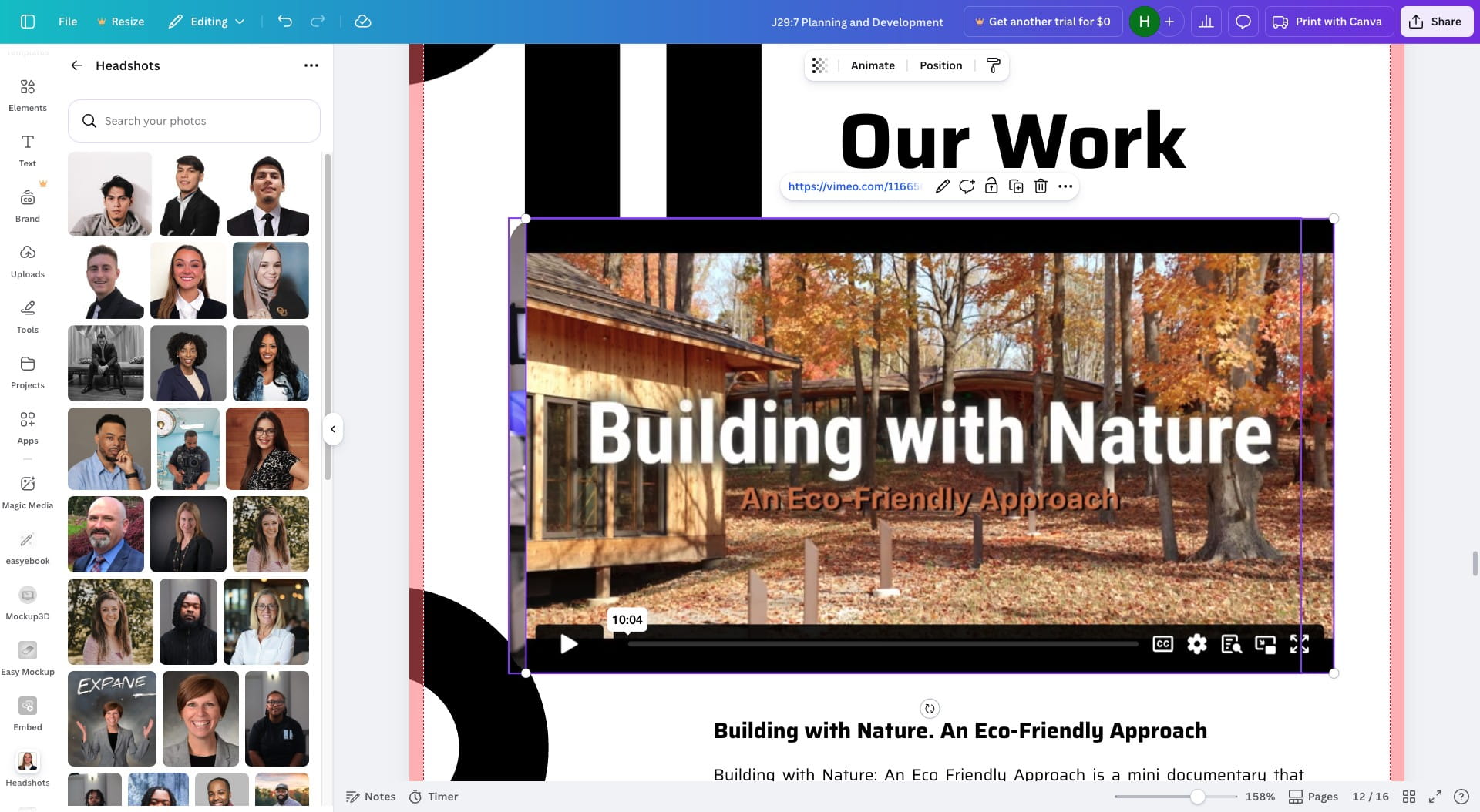
5
Ease the place holder image by clicking the image and then hitting delete on the keyboard
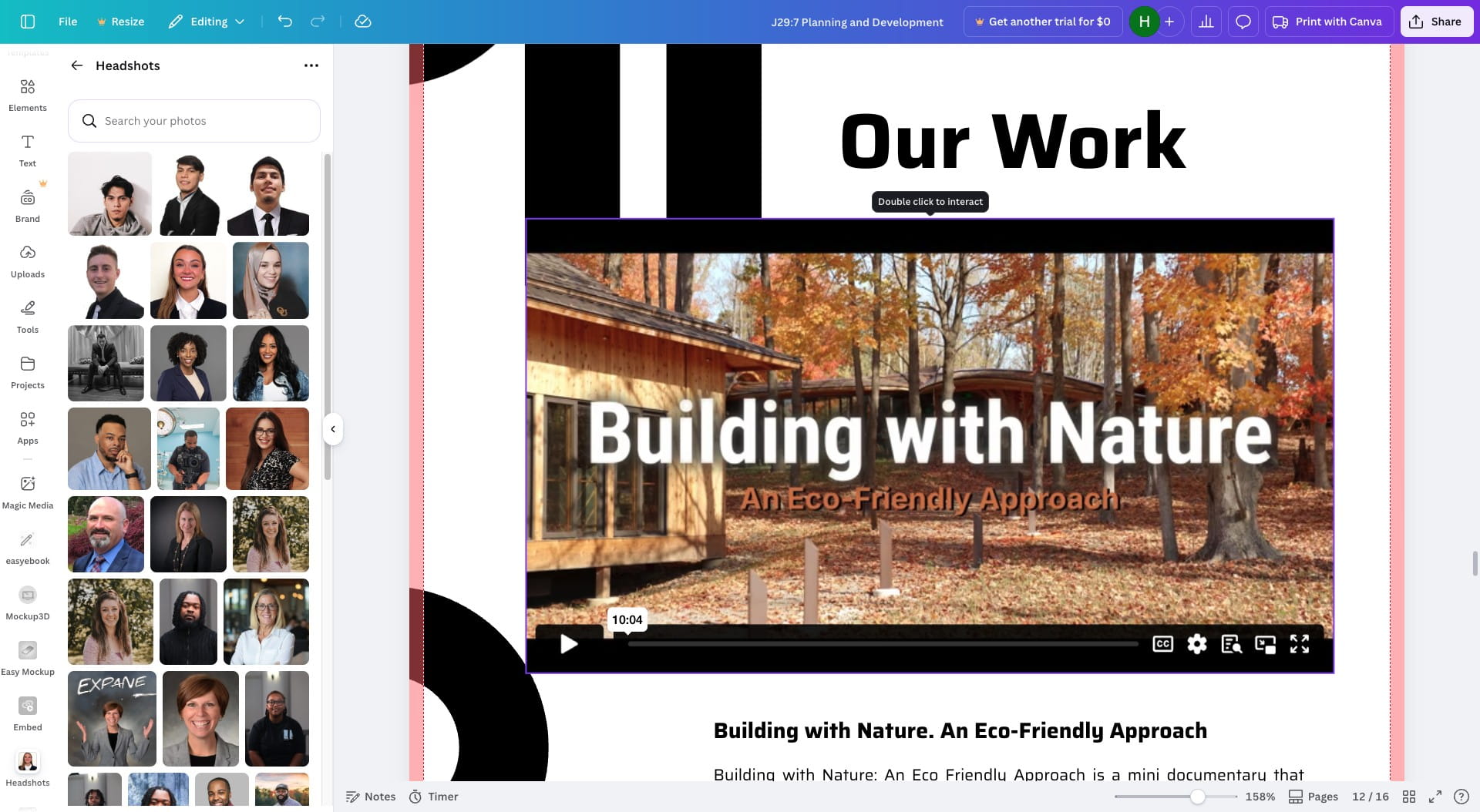
6
Done 🚀