

How to download transcript from Vimeo
Jan 27, 2026●
1
Need to see it instead? Watch the walkthrough video here. https://caps.hq22creatives.net/s/m6h80s0d60ajrx9
2
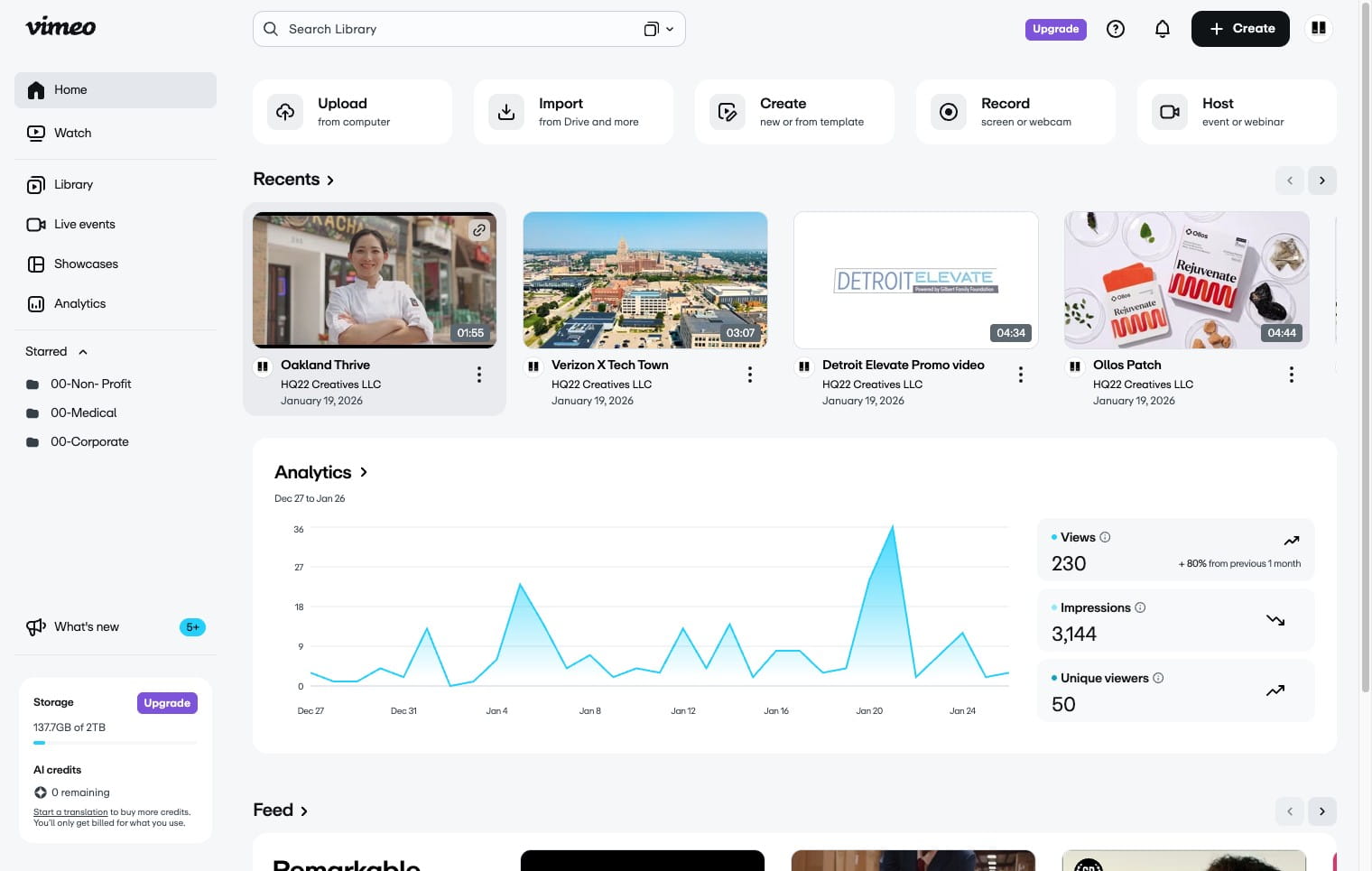
Navigate to https://vimeo.com/home
3
Double Click on desired video
4
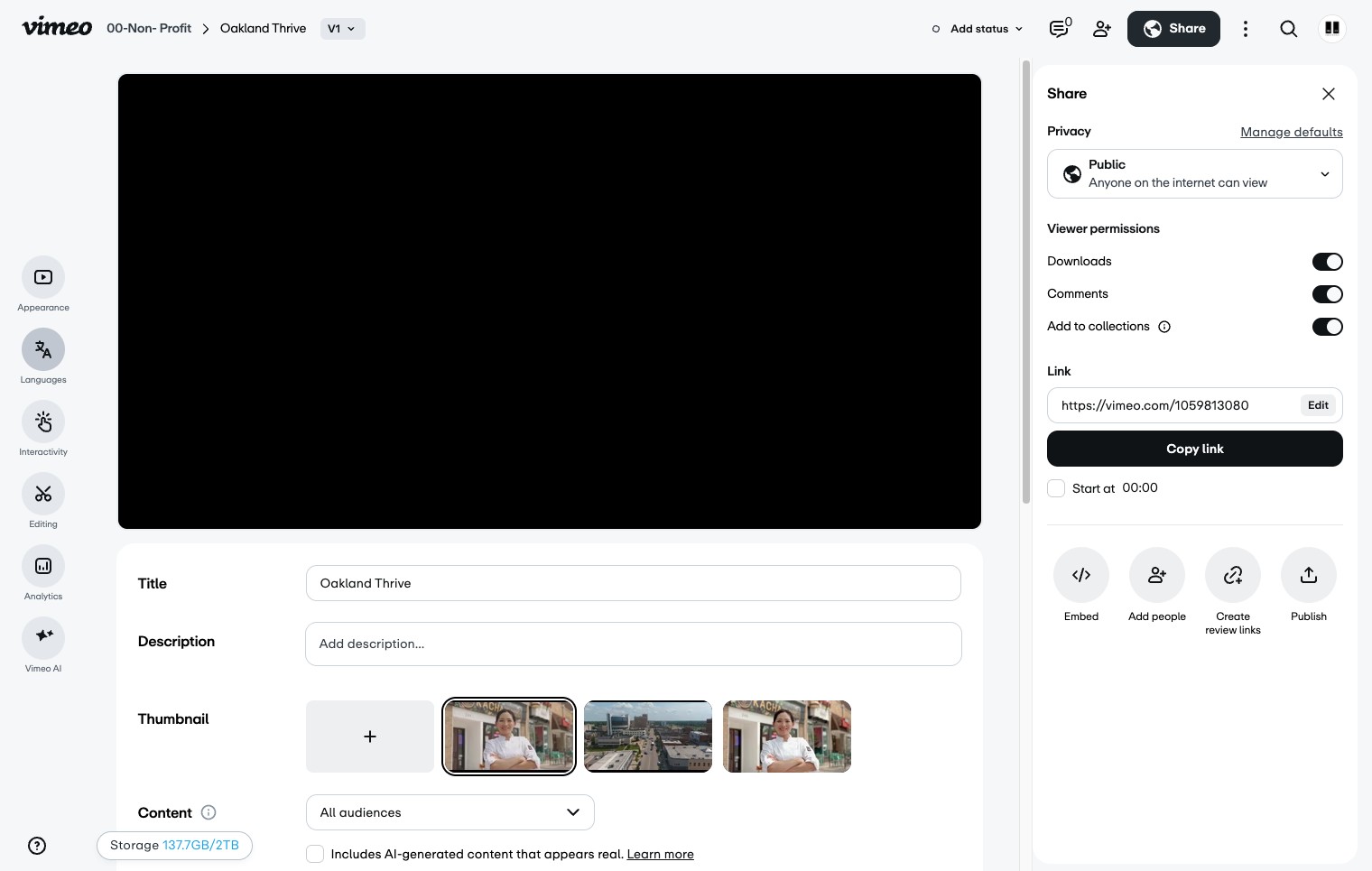
Click the Language icon
5
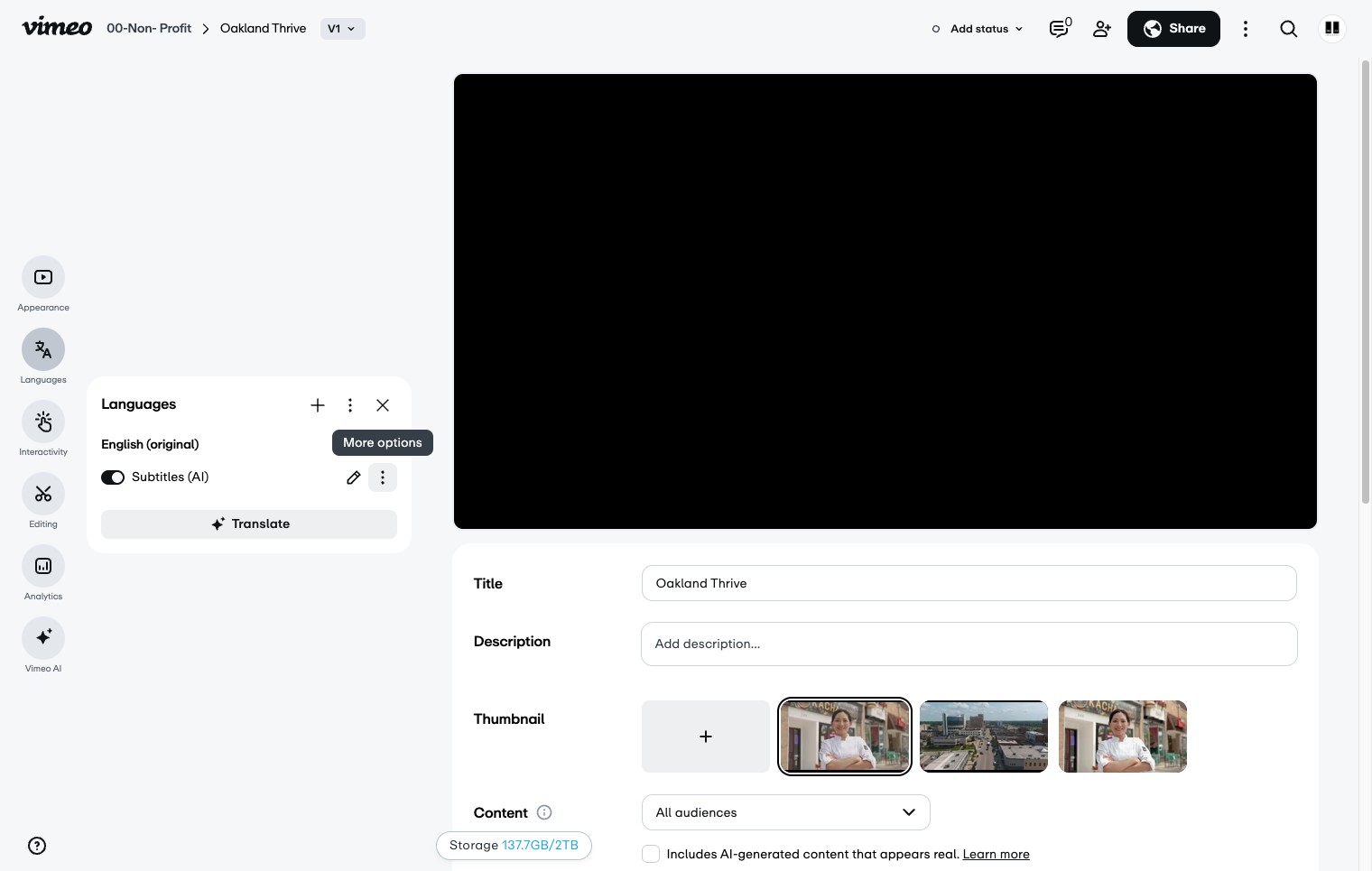
Click the 3 dots icon next to subtitles(AI)
6
Click the download icon
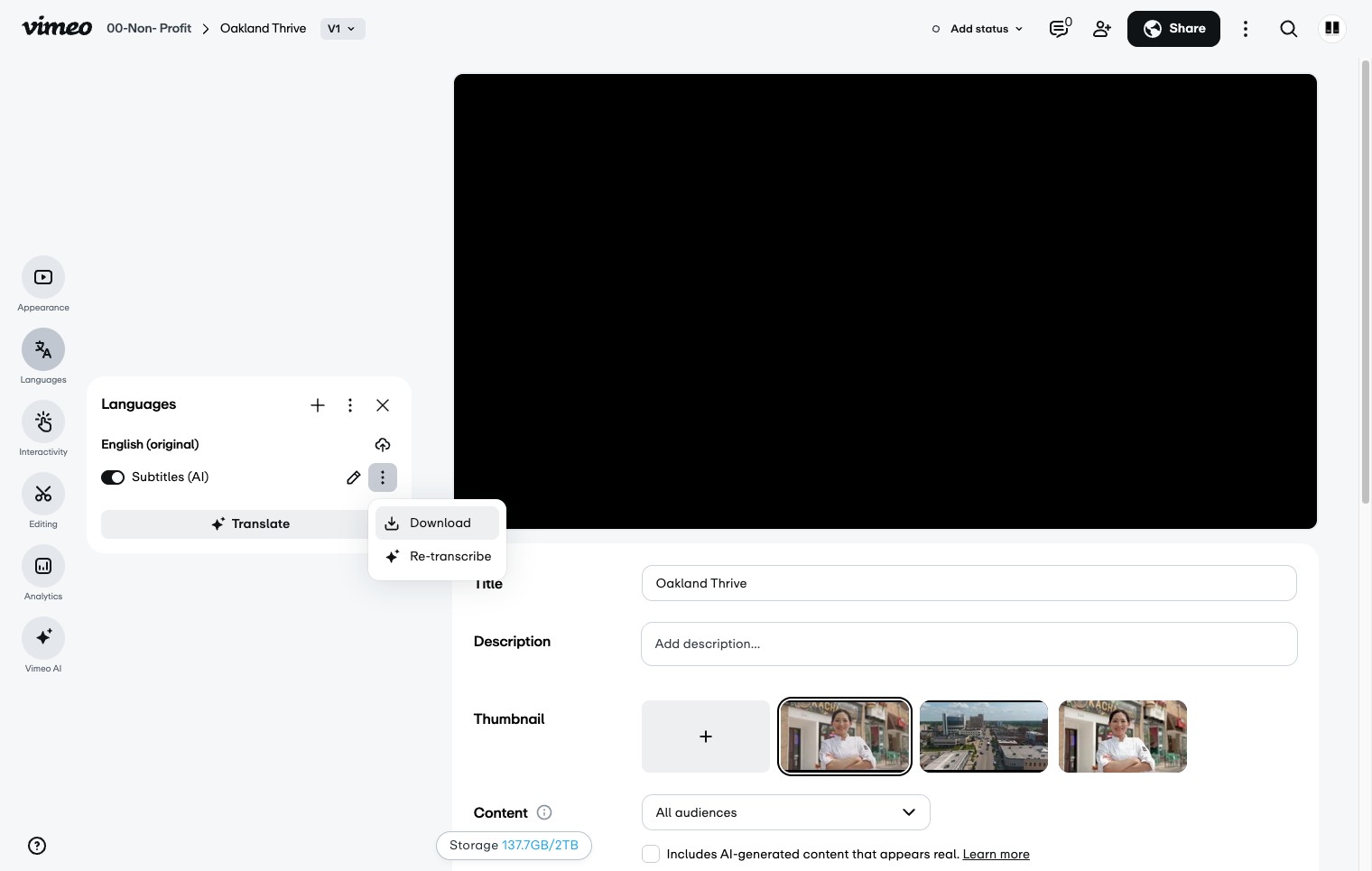
Name the transcript file using this format: video name underscore transcript. "VideoName_transcript